Ubuntu 24
- Download WinSAGA (Windows Installer).
- Install and configure Wine
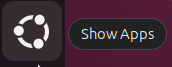
Click on the “Show Apps” button:
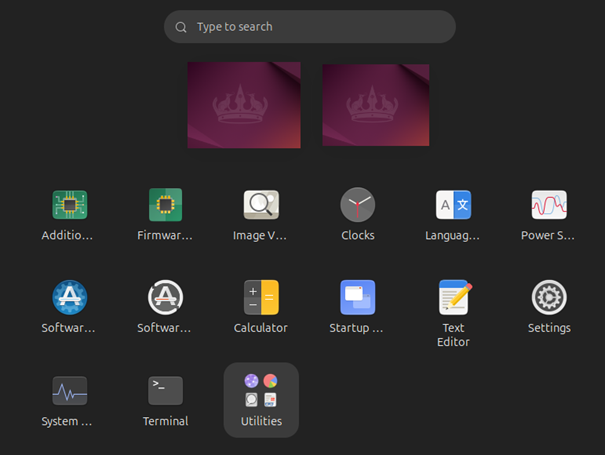
Open the Terminal:
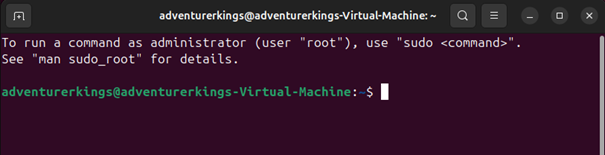
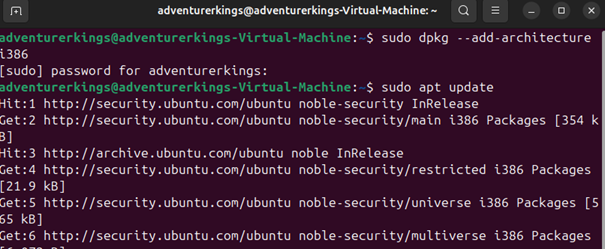
Type the following commands (case sensitive).
Enter your password when requested.
Confirm that you want to perform the installation if requested.
sudo dpkg –-add-architecture i386

sudo apt update
sudo apt install wine64
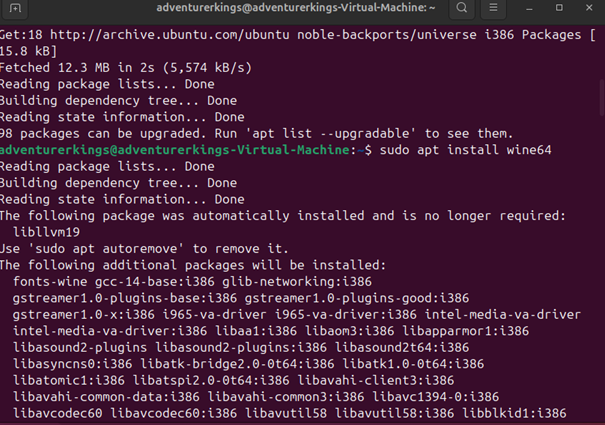
check the installed version to see if anything is missing:
wine –version

- Install WinSAGA
Type the following commands (case sensitive) in the terminal:
wine msiexec /i <full path to the downloaded file>

(you can drag and drop the file from its download folder to avoid typing its full name)
Wine will perform a few updates; then, follow the instructions on screen to install the software:
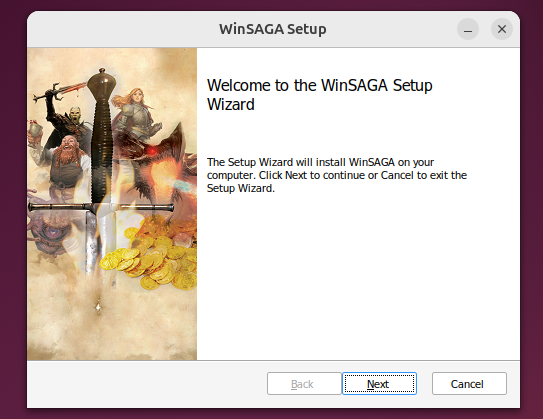
Click "Next".
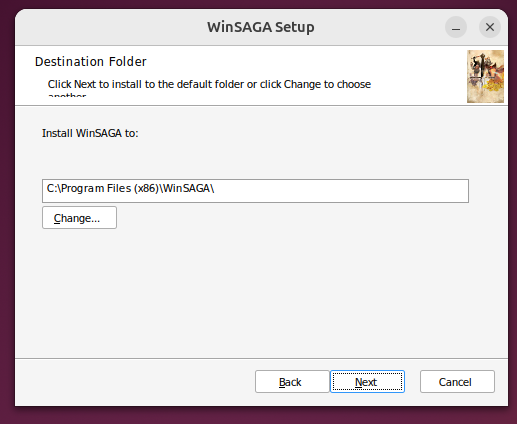
Don’t change the installation folder.
Click "Next".
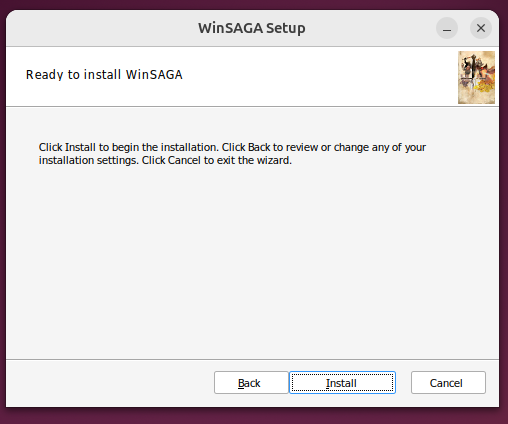
Click "Install".
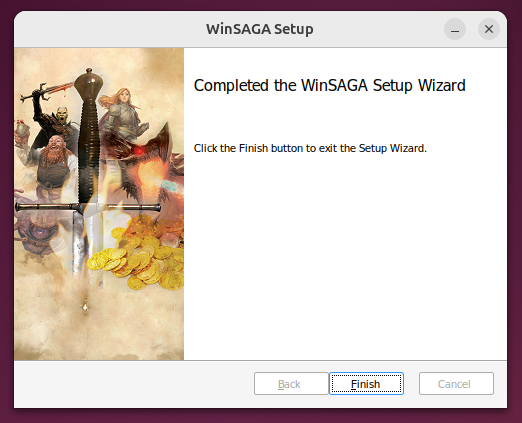
Click "Finish".
Right-click on the desktop link:
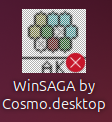
And select « Allow Launching ».
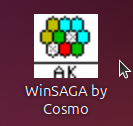
You can now start the program by double-clicking on the icon:
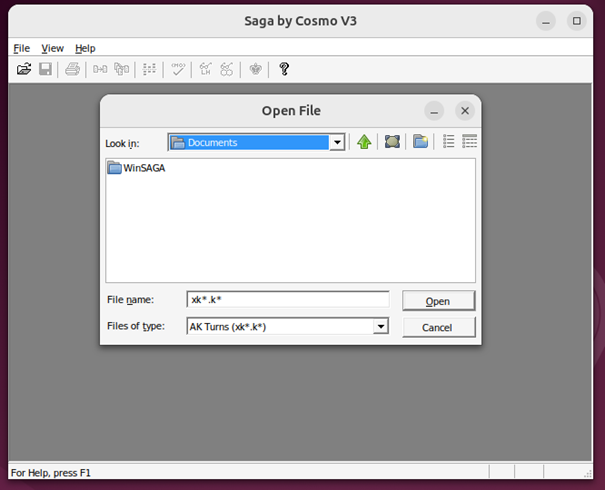
You can delete the other link:
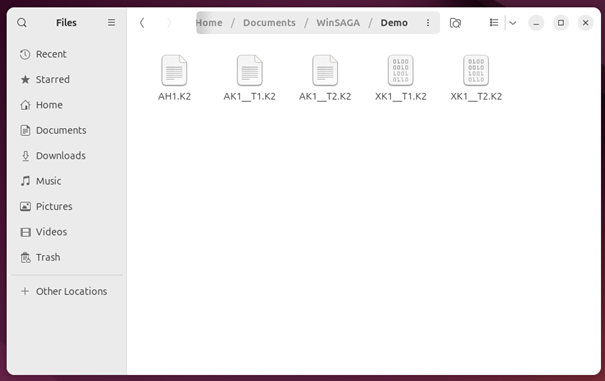
Note: the demo files are located in "Home/Documents/WinSAGA/Demo"
Created with the Personal Edition of HelpNDoc: Effortlessly upgrade your WinHelp HLP help files to CHM with HelpNDoc